






















Missing Fonts in Print Artwork | Julia’s Print Clinic
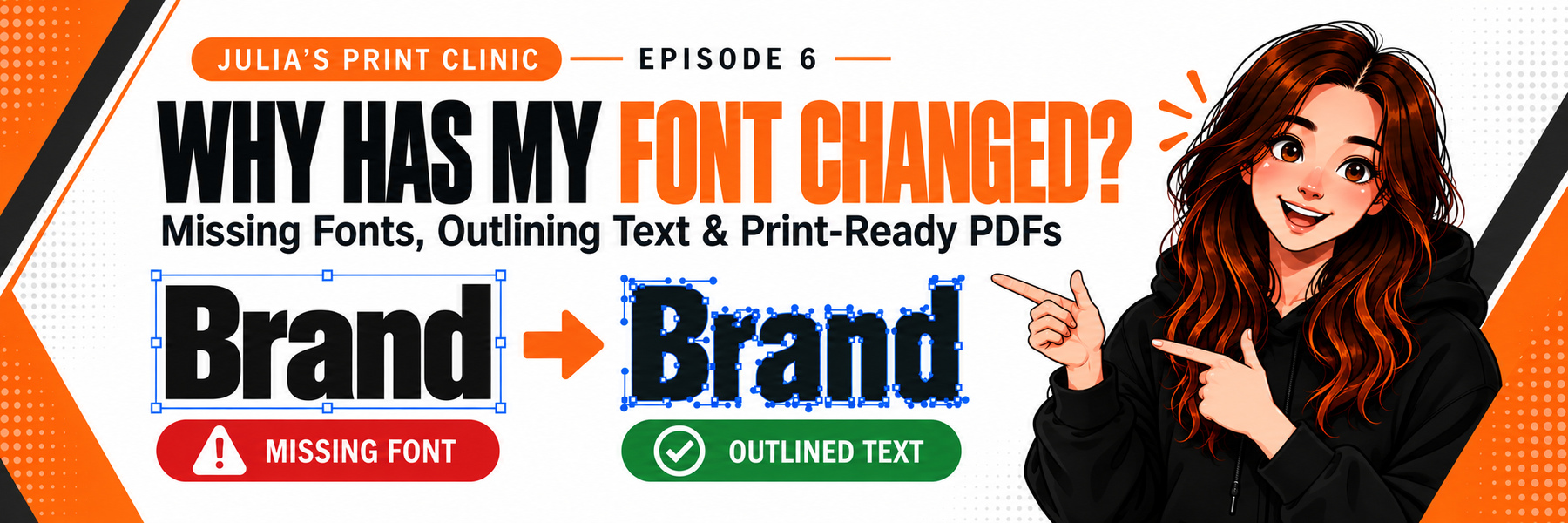
Julia explains why fonts can change between computers, how embedded fonts and outlined text work, and how to prepare safer print PDFs in Illustrator, InDesign, CorelDRAW and Canva.
Julia explains why fonts can change between computers, how embedded fonts and outlined text work, and how to prepare safer print PDFs in Illustrator, InDesign, CorelDRAW and Canva.
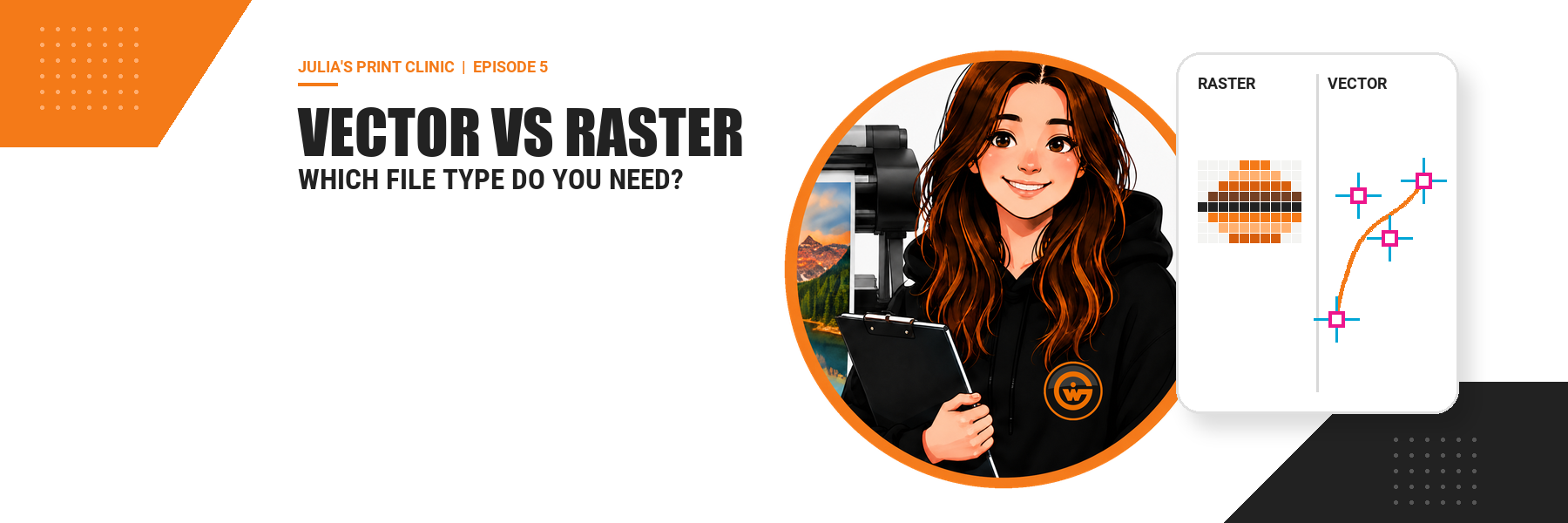
Vector for logos and cut paths, raster for photographs – and why a print-ready PDF often needs both. Julia explains how to check your artwork before approval.

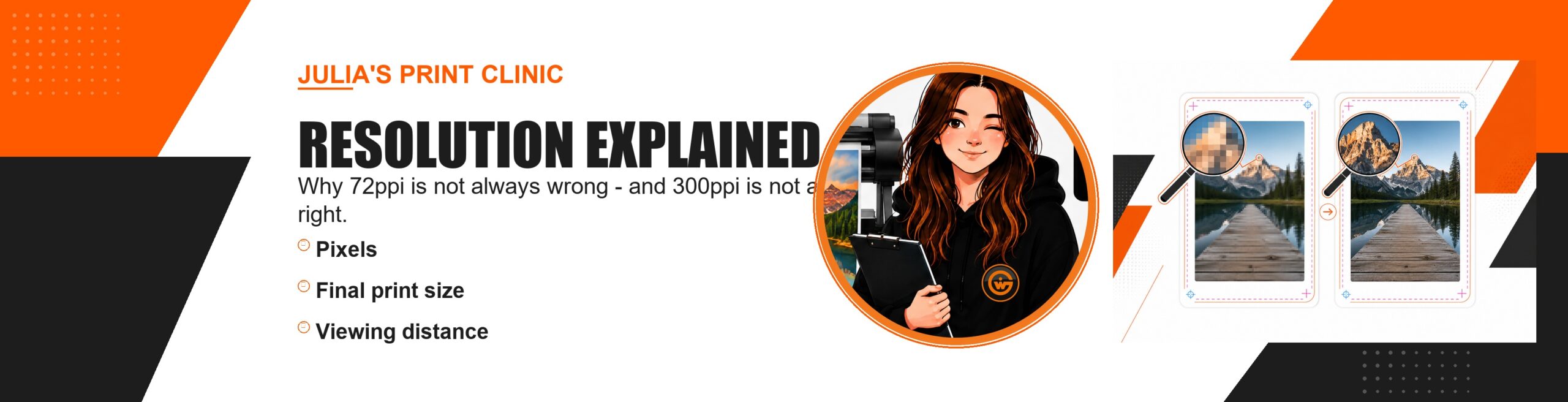
Why 72ppi is not always wrong, 300ppi is not always right, and how to judge images at their final print size.

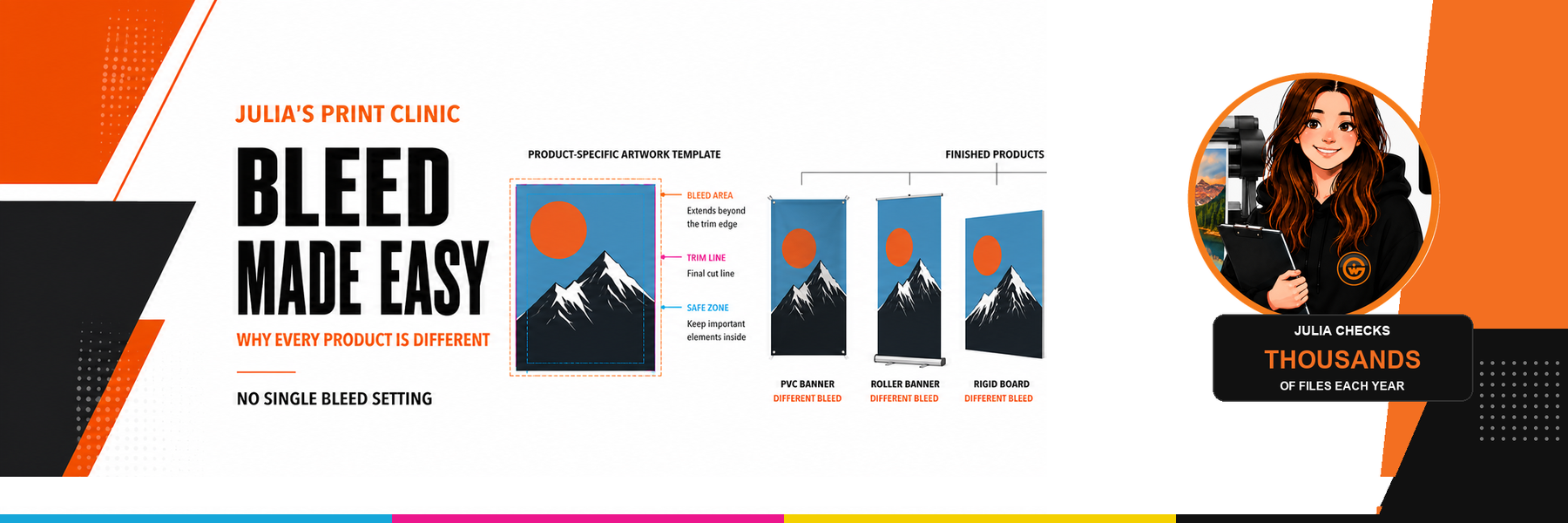
There is no single bleed setting for every product. Learn how product-specific templates and browser-based bleed tools reduce artwork risk.

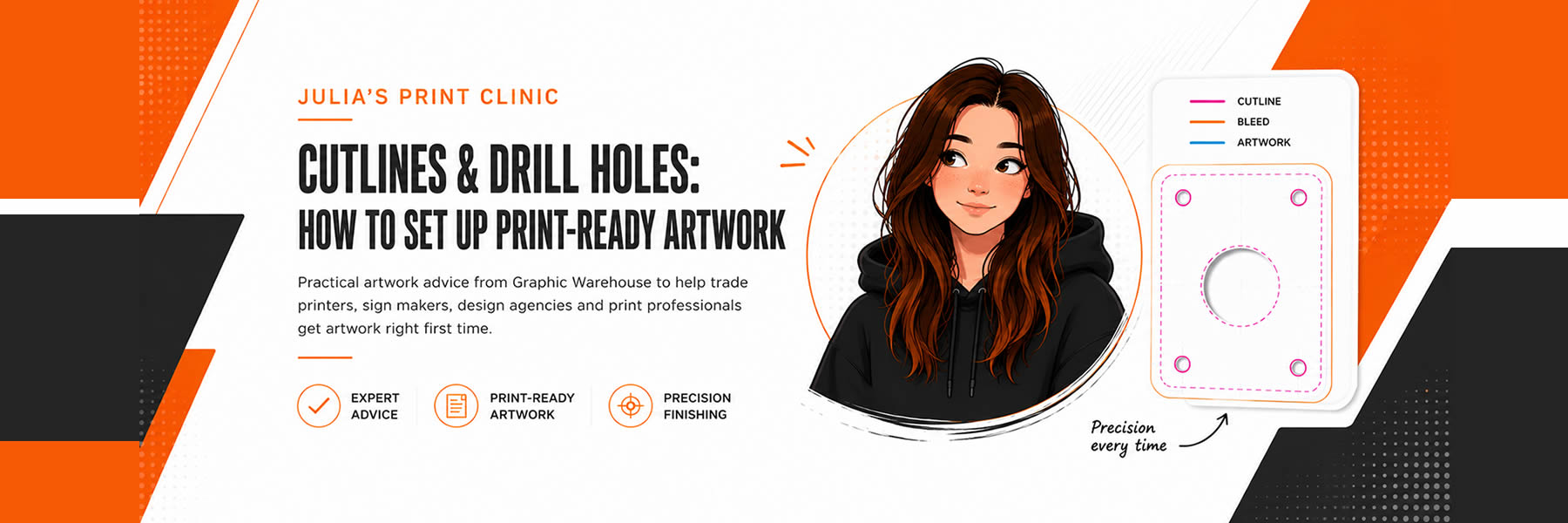
How to create print-ready artwork with cutlines and drill holes. Julia’s Print Clinic from Graphic Warehouse helps you avoid costly artwork errors.

Julia explains how to build print-ready artwork using correctly named CUT, CREASE and DRILLHOLES layers, helping reduce queries, improve finishing accuracy and speed up production.

Julia explains how to set up cutlines and drill holes correctly for print-ready artwork, helping trade printers, sign makers and designers avoid common artwork delays and get files production-ready first time.

Explore how AI in signage and graphic design is revolutionising creativity, improving client visuals, and driving innovation across the sign making industry.

What’s the difference between vector and raster graphics? Both have unique characteristic and uses, find out more in the blog.

Have you ever wondered what DPi stands for? Graphic Warehouse gives some insight into the subject.